The Operational Question
A new data center technician can be eager, mechanically capable, and still be unready for independent work in a live critical facility. The first 90 days should build controlled familiarity with electrical distribution, cooling equipment, alarms, work authorization, and site-specific operating procedures before a new hire is asked to improvise during a maintenance window. This guide gives facility managers and new technicians a practical sequence for deciding what to learn, what to observe, and what to demonstrate during onboarding.
The goal is not to make one person an expert in every discipline. The goal is to establish safe habits, a working mental model of the facility, and clear boundaries for solo work. A strong plan helps a technician understand why a switching step matters, how a CRAH alarm affects a room, when to stop and escalate, and where the approved procedure lives. It also gives the manager evidence that the new technician can perform routine tasks without creating a new risk for uptime or the team.
Who This Affects
This onboarding question applies to technicians entering enterprise, colocation, hyperscale, and edge data center environments. It is especially important when a site hires:
- An electrician, HVAC technician, millwright, or building engineer who is new to data centers.
- A career switcher with strong mechanical or facilities experience but limited critical-power exposure.
- A contractor moving into a site operations role with different control-of-work expectations.
- A junior technician joining a team that operates UPS systems, generators, switchgear, PDUs, CRAH units, chillers, BMS points, and fire-life-safety systems.
- An operations employee who will support nights, weekends, or an on-call rotation after a supervised ramp-up.
The plan also changes with the site. A small edge facility may require broad coverage from one person, while a hyperscale campus may place a new hire on a narrow electrical, mechanical, controls, or operations team. A colocation site adds customer-change coordination, escort rules, and strict separation between tenant work and facility work. An enterprise site may emphasize integration with corporate EHS, security, and business continuity teams.
The manager should give the new technician a named mentor and a written 30, 60, and 90-day checklist. The checklist should identify which tasks are observation-only, which require direct supervision, and which can be performed independently after verification. Training completion is useful, but it does not replace local qualification on the equipment and procedures at that site.
What Can Go Wrong
The first risk is unsafe familiarity. A technician who has worked around commercial electrical panels may assume that a data center switchboard, UPS, static transfer switch, or battery cabinet behaves like familiar equipment. In reality, the hazard, labeling, normal lineup, stored energy, and approved switching sequence are site-specific. A wrong assumption can expose people to electrical energy or interrupt a live load.
The second risk is treating alarms as simple notifications. A high-temperature alarm, loss of redundancy, low battery voltage, chiller fault, or differential-pressure change may be the first visible sign of a wider condition. Silencing an alarm without understanding the point, trend, affected zone, and escalation path can delay a response. The same is true for a BMS or DCIM dashboard that shows an apparently normal value while a local controller, sensor, or valve has failed.
Cooling mistakes can become power and uptime mistakes. A technician who closes the wrong isolation valve, changes a control setpoint without approval, or opens a panel before identifying refrigerant and electrical hazards can reduce cooling capacity or create a safety incident. An unplanned change to airflow, a blanking panel, or a CRAH operating mode can also affect rack inlet conditions beyond the immediate work area.
Poor work control creates a third category of failure. Skipping a pre-task briefing, using an outdated procedure, failing to verify a breaker position, or leaving temporary equipment undocumented weakens the team’s ability to know what the facility is doing. If a step is unclear, the correct response is to pause and use the site’s escalation process, not to rely on memory or an informal shortcut.
The consequences may include injury, equipment damage, a customer-impacting interruption, a failed maintenance window, a reportable event, or a costly return visit. Standards and regulations provide important context for safe work, but an online knowledge course does not grant a license, regulatory certification, or permission to operate a particular site’s equipment. The employer must define qualification, supervision, and authorization requirements.
What Managers Should Check
Use the first 90 days to build capability in stages rather than assigning a long list of disconnected courses. A practical sequence looks like this.
- Days 1-30: learn the site and the boundaries.
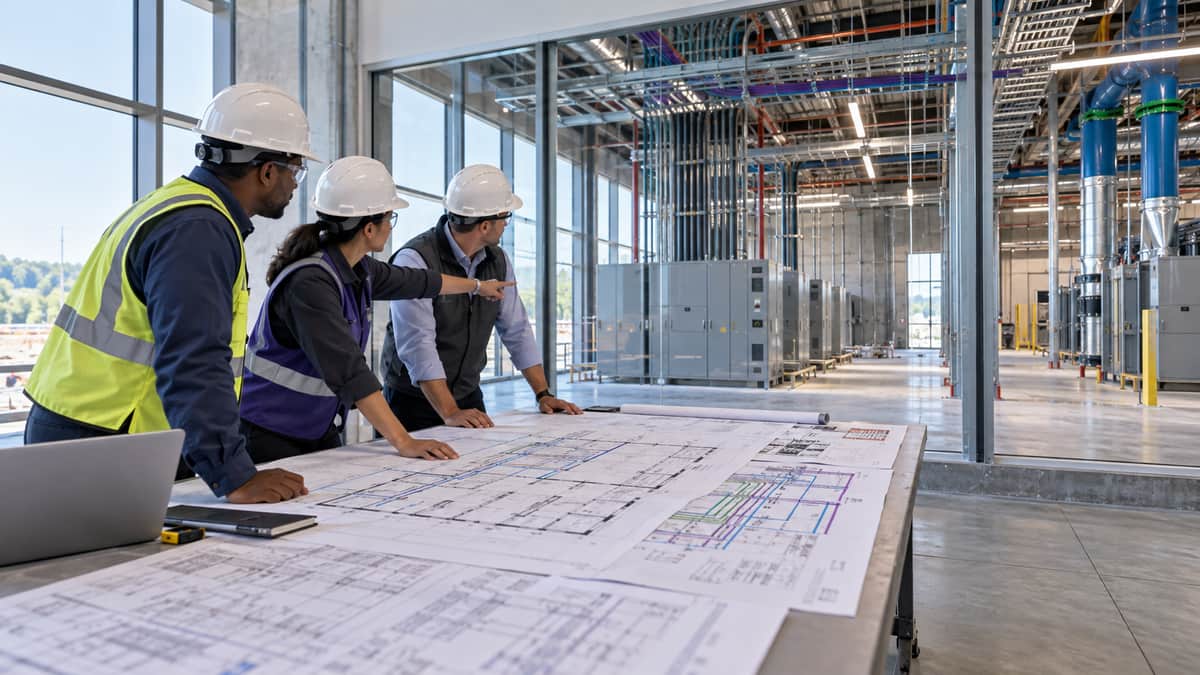
Start with the facility map, one-line diagrams, room names, emergency contacts, muster points, access zones, and work-control process. Walk the electrical rooms, battery rooms, generator yard, mechanical plant, white space, loading area, and security checkpoints with a mentor. The technician should be able to explain where normal operations occur and where entry, PPE, escort, or permit controls apply.
Review the site’s stop-work expectations, incident reporting path, lockout/tagout process, energized-work decision process, chemical and refrigerant controls, and fire-life-safety response. Do not ask a new technician to memorize every procedure. Ask the technician to locate the current approved procedure and identify who authorizes the work.
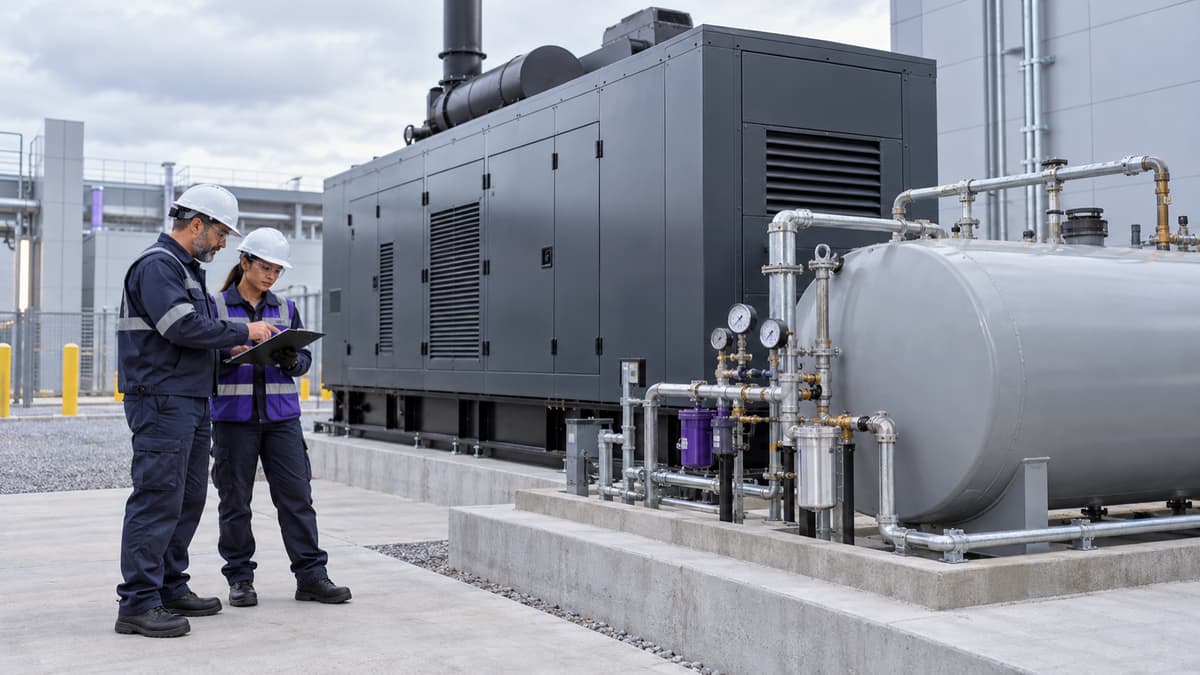
During this phase, use observation and verbal walk-throughs. The technician can trace normal power flow from utility or generator source through switchgear, UPS, distribution, and the PDU, but should not perform switching alone. The same principle applies to cooling: identify the air path, water or refrigerant path, controls, redundancy, and normal alarm points before touching a valve or controller.
- Days 31-60: connect systems to operating decisions.
Assign supervised tasks that require verification and documentation. Examples include checking battery-room conditions, reviewing a daily plant log, comparing a BMS trend to a local gauge, inspecting CRAH filters and belts within the site’s maintenance scope, and walking a generator pre-start checklist without initiating a test. The technician should explain the expected normal condition, the likely first checks when it changes, and the escalation threshold.
Add alarm-response practice using historical or simulated conditions. Give the technician a high-temperature alarm, a loss-of-communication point, a UPS alarm, or a cooling-unit fault and ask for a structured response: acknowledge the signal, confirm the affected area, check related points, consult the procedure, notify the right role, and record the action. The exercise should test judgment, not speed.
Require the technician to read work packages before the pre-task meeting. Look for the equipment identity, scope, hazards, isolation points, rollback plan, communications plan, and acceptance criteria. A new hire should learn that a technically correct repair can still be unacceptable if the work was not authorized or the change was not documented.
- Days 61-90: demonstrate repeatable routine work.
By the third month, the technician can begin demonstrating selected routine tasks under the site’s qualification process. The manager should choose tasks that are common, bounded, and recoverable. Examples might include a visual inspection, a log review, a filter inspection, a sensor comparison, or a procedure walk-through. High-consequence switching, energized electrical work, refrigerant recovery, and other restricted tasks remain subject to the employer’s authorization and supervision rules.
Evaluate the quality of the technician’s handoff. Can the technician state what was found, what was changed, what was not changed, what readings were taken, what temporary conditions remain, and who owns the next action? Good handoffs reduce duplicate work and prevent the next shift from making decisions with incomplete information.
Use a short practical review at day 90. Ask the technician to identify one normal operating condition in each major system, describe one credible failure mode, locate the governing procedure, and explain when to stop. Document gaps as a follow-up plan rather than treating the 90-day date as a finish line.
Across all three phases, managers should check these evidence points:
- The technician can distinguish observation, supervised work, and authorized independent work.
- The technician uses current drawings, procedures, permits, and work orders.
- The technician verifies equipment identity before acting.
- The technician communicates changes to the control room and incoming shift.
- The technician can explain the difference between an alarm acknowledgment and a condition being resolved.
- The technician knows how to report a near miss, abnormal condition, damaged label, or procedure mismatch.
- The technician can describe the local emergency response without confusing a site procedure with a classroom example.
Which Training Fits This Situation
For a new technician, the best plan is usually a role-based mix rather than every course at once. Start with Data Center Operations Management to establish the operating model, shift discipline, maintenance coordination, and critical-facilities context. Pair it with Electrical Safety & Best Practices or Data Center Electrical Safety Training when the technician will work around switchgear, UPS systems, distribution panels, or electrical rooms. If the role includes battery rooms or UPS maintenance support, Data Center UPS and Battery System Safety Training adds focused hazard awareness.
Cooling and mechanical hires can begin with HVAC Systems Troubleshooting Essentials, then add Mechanical Systems & Equipment Maintenance or Data Center Cooling System and Refrigerant Safety Training based on the work scope. A controls-oriented technician may benefit from Monitoring, Automation & BMS Systems and DCIM Platform Fundamentals, with practice on the site’s actual alarm priorities and escalation rules.
For the manager, Preventive Maintenance Planning helps turn the onboarding plan into repeatable work packages and inspection routines. Incident Response & Troubleshooting is a useful next step when the technician must participate in abnormal-condition response. The Operations & Reliability Bundle can fit a broad facilities team because it groups role-relevant operations subjects, while individual courses may be better when the new hire has a narrow assignment or a gap that needs to be closed quickly.
These are self-paced knowledge courses from HAZWOPER OSHA Training, LLC, an IACET-accredited provider. Learners receive a certificate of completion after finishing a course. The certificate documents course completion, but the site still needs to provide local equipment training, supervised practice, authorization, and any employer-required qualification. A manager should map each course to a site task and a supervisor signoff instead of treating course completion as permission to operate equipment.
Common Mistakes to Avoid
- Front-loading theory and delaying the facility walk. A new technician needs both concepts and physical orientation. Pair every major learning topic with a supervised walk, drawing review, or alarm exercise.
- Using a generic checklist for every site. The equipment lineup, labels, procedures, and authorization rules differ. Use a common framework, then add site-specific controls.
- Calling a technician qualified because a course is complete. Training supports a program. It does not replace employer authorization or demonstrated performance.
- Assigning alarm response without teaching escalation. A technician must know who owns the decision when an alarm involves a customer, a safety system, a redundant component, or an uncertain equipment state.
- Skipping documentation practice. A new hire who cannot write a clear handoff may create risk even when the physical task was done correctly.
- Testing confidence instead of judgment. Ask the technician to explain when to stop, what to verify, and who to call. Calm escalation is a capability, not a weakness.
- Making day 90 a pass-or-fail cliff. Critical-facilities competence grows through repetition. Use the review to set the next 90-day objectives for the role.
Key Takeaway
A new data center technician’s first 90 days should produce safe habits, system awareness, and evidence of controlled performance, not a false impression that a few completed lessons equal independent authority. Build the plan around the site’s real equipment and procedures, combine focused courses with supervised practice, and document exactly what the technician may do alone. This week, choose one common routine task and schedule a mentor-led walk-through with a written stop-and-escalate checklist.
Sources
- Occupational Safety and Health Administration, Electrical
- Occupational Safety and Health Administration, The Control of Hazardous Energy (Lockout/Tagout)
- Occupational Safety and Health Administration, Recommended Practices for Safety and Health Programs
- National Institute for Occupational Safety and Health, Hierarchy of Controls